

6 Smartphone Settings Many Ohioans Over 50 Don’t Realize Are Turned On

Nine in 10 adults between 50 and 64 own a smartphone nationwide, the Pew Research Center found.
Many new phones arrive with dozens of settings already switched on.
These are the settings many Ohioans over 50 never think to check, already flipped on before they even open the box.
1. Wi-Fi and Bluetooth Scanning
Android phones keep scanning for nearby Wi-Fi networks and Bluetooth devices even after someone switches both radios off from the quick settings panel.
Google built the feature to sharpen location accuracy, and it comes switched on straight from the factory.
Off doesn’t mean off.
Google’s own location settings guide confirms the phone can scan for nearby access points and devices to sharpen location results, regardless of whether those radios show as on.
You’ll have to dig for it: Open Settings, tap Location, tap Location Services, then switch off Wi-Fi scanning and Bluetooth scanning separately.
The exact wording shifts by phone maker, but the setting sits in that same neighborhood on many Android phones.
Turning Off Wi-Fi Isn’t the Same Thing
The Wi-Fi toggle at the top of an Android phone’s screen only stops the phone from connecting to a network.
It doesn’t touch Wi-Fi scanning, which is a separate switch buried under Location settings.
2. Significant Locations & Routes
An iPhone builds its own map of everywhere its owner goes, without asking permission first.
Apple calls the feature Significant Locations & Routes, and it switches on the moment you turn on Location Services during setup.
It’s a private diary nobody asked to keep.
The list logs the addresses, dates, and how long you lingered at each one, then uses that history to suggest destinations in Maps, Calendar, and Photos.
No heads-up is given.
Apple encrypts the list and says it can’t read it, but the log still lives on the phone until someone finds it.
You’ll find it in four taps: Settings, Privacy & Security, Location Services, System Services, then Significant Locations & Routes.
3. Full Notification Previews
Android phones show the entire text of an incoming message right on the lock screen, word for word, with the phone still locked.
That includes a text from a spouse, a doctor’s office reminder, or a one-time code meant for nobody’s eyes but the owner’s.
Anyone standing close enough to glance at the screen can read along.
Nothing stays hidden.
A phone settings audit of both Pixel and OnePlus phones found full notification previews switched on straight out of the box on both brands.
You can dial it back with a trip through Settings, Notifications, Privacy, then Notifications on Lock Screen, where switching away from full previews hides the sensitive part until the phone unlocks.
Psst! How much do you know about smartphone history? Take our quiz and see how many you can get right.
Quiz
Smartphone Time Machine
Answer these questions on phone firsts and hidden history. We bet you can’t get them all right. Prove us wrong?
What does the abbreviation “Wi-Fi” stand for?
4. Advertising ID
Every Android phone gets its own advertising ID the moment someone finishes setup, and no one has to ask for one.
Think of it as a name tag apps can read without ever seeing an actual name.
Any app that reads it can link a person's habits across a grocery app, a game, and a weather app into one advertising profile.
The Electronic Frontier Foundation found Google made that identifier available by default, no special permission required.
Almost nobody notices.
You can limit it by opening Settings, then Google, then Ads, where Google's own instructions let you reset the identifier or opt out of ad personalization altogether.
5. Precise Location
An iPhone hands over an exact Global Positioning System (GPS) location to an app the very first time that app receives permission to use location at all.
Precise Location arrives switched on by default, not the vaguer, city-sized area Apple also offers.
No extra tap is required.
Apple's own permission prompt defaults to the precise option, so a weather app checking the local forecast gets the same exact coordinates as a map app giving turn-by-turn directions.
Turning any one app down to the fuzzier version means opening Settings, Privacy & Security, Location Services, tapping that app by name, then switching off Precise Location.
There's no single switch that dials every app back at once, so you'll need to go app by app.
6. Usage and Diagnostics Sharing
Crash reports, battery stats, and app usage data stream from every Android phone to Google, automatically, every day.
Nobody flips a switch to start it.
It's already running.
A settings review of current Android phones found the toggle enabled by default on most devices tested.
You can turn it off by opening Settings, Security and Privacy, More Security & Privacy, then Usage & Diagnostics, and switching the toggle off.
Doing it stops nothing else on the phone from working.
Why Phones Ship This Way
Phone makers default nearly everything to "on" for a simple reason: More data flowing back makes location results sharper, ads more profitable, and bug fixes faster.
Convenience wins the default.
Nationally, 90% of adults between 50 and 64 carry a smartphone, the Pew Research Center found, and 78% of adults 65 and older do too.
That convenience math runs the same for every buyer, whether the phone belongs to a 52-year-old in Akron or a college student in Athens.
Manufacturers write the defaults once for the whole population, and every phone shipped to Ohio carries the same settings as one sold anywhere else in the country.
9 Things That Change the Second You Cross From Ohio Into Kentucky

The Roebling Suspension Bridge carries drivers from Cincinnati into Covington, Kentucky, in about ninety seconds flat.
Nothing about the crossing looks different, yet the tax on a receipt and the price at the pump both change the moment tires hit the other bank.
9 Things That Change the Second You Cross From Ohio Into Kentucky
9 Things That'll Get You Pulled Over Fast in Ohio
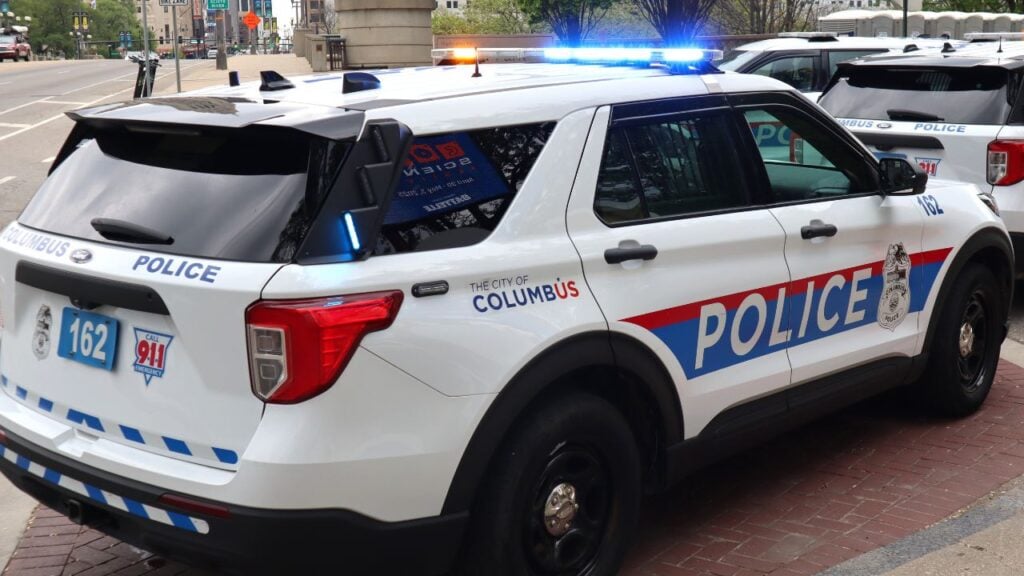
A cruiser's lights filling the rearview mirror on I-71 outside Columbus sends many drivers straight into a mental checklist.
Speeding and a busted taillight make that list, but Ohio troopers pull people over for several other reasons that catch drivers completely off guard.
