
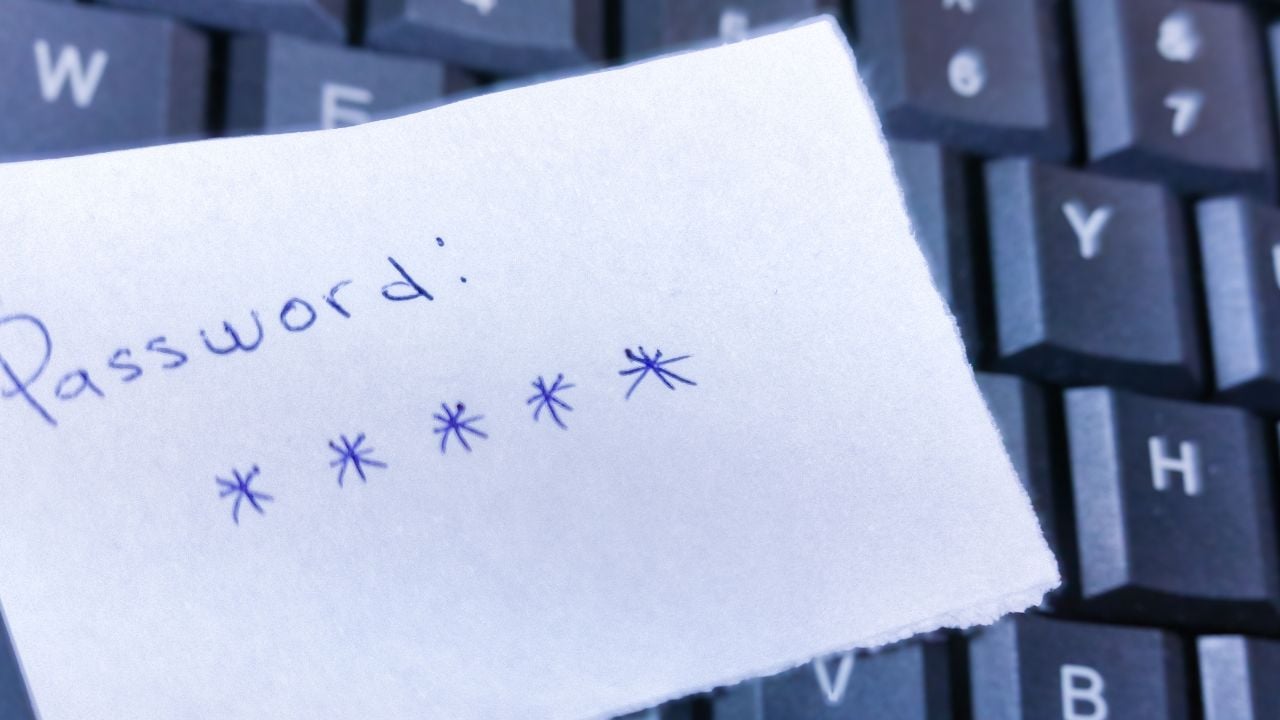
8 Password Habits Putting South Carolinians’ Accounts at Risk

State investigators traced a hacker getting into South Carolina’s tax computers after a Department of Revenue worker opened one email.
That one message exposed Social Security numbers for more than 3.6 million people who had filed a South Carolina tax return.
One email did all that damage, and everyday password habits can leave accounts just as exposed.
These are the password habits putting South Carolinians’ accounts at risk.
1. Reusing One Password Everywhere
Reusing a password across accounts remains the single riskiest password habit, according to Verizon’s 2025 Data Breach Investigations Report.
Verizon found that compromised credentials served as the way in for 22% of the breaches it reviewed in 2025.
The same report tracked people already infected with password-stealing malware, and in the median case, only about half of their passwords across different services turned out to be unique.
Half is barely an exaggeration.
One leaked login, reused on a banking site or an email account, hands a stranger the keys to both.
2. Picking Short Over Long
Why does a short password loaded with symbols still feel like the safer habit, when federal guidance moved on from it years ago?
The National Institute of Standards and Technology (NIST) rewrote its password standard, and length now matters more than complexity.
Longer wins.
NIST’s current rule blocks services from forcing a mix of capital letters, numbers, and symbols.
A short password stuffed with symbols still cracks faster than a long, plain string of ordinary words.
NIST’s Exact Password Math
NIST’s 2025 update sets two different length floors, depending on how the account signs a person in.
A password used by itself needs at least 15 characters, but a password backed by a second sign-in step only needs 8.
The same standard requires services to allow at least 64 characters, so a long passphrase never hits a wall.
3. Changing It Like Clockwork
Changing a password on a fixed schedule sounds like good hygiene, but federal researchers found it usually backfires.
The Federal Trade Commission (FTC) highlighted research on how people modify a password the moment a system forces a change.
A University of North Carolina study covered more than 51,000 passwords from more than 10,000 defunct accounts of former students, faculty, and staff.
That research revealed a clear pattern in how people update a password.
Attackers who knew someone’s old password could guess the next password in under five tries for 17% of accounts.
For 41% of accounts, the same transformation cracked the new password in three seconds flat.
Attackers count on that pattern.
NIST’s current standard reflects the finding directly: Services shouldn’t require a periodic password change unless there’s evidence the password has been compromised.
4. Skipping a Password Manager
You probably lean on memory instead of a password manager, and that’s exactly why the same short password ends up reused on every account you own.
NIST’s current guidance requires services to allow password managers and the paste function, so a person never has to memorize dozens of logins.
There’s less to remember.
A 2025 Bitwarden survey found password manager adoption falls off by generation, with 46% of Gen Z using a password manager against just 33% of Gen X.
A password kept only in someone’s head tends to shrink, repeat across accounts, or end up written on a sticky note stuck to a monitor.
5. Trusting the Password Alone
Trusting a password as the only lock on an account skips a second step that blocks nearly all break-ins.
Multi-factor authentication (MFA) adds that second step, and Microsoft’s security research found turning it on blocks more than 99.9% of account-takeover attempts.
It works.
One extra tap stops nearly everything.
The Cybersecurity and Infrastructure Security Agency (CISA) recommends the phishing-resistant versions first, an authenticator app or a physical security key, ahead of a text message code.
Many banks, email providers, and social media accounts already offer it for free, one settings menu away from turning it on.
6. Building It From Your Life
Someone builds a password from a birthday, a pet’s name, or a hometown street, certain nobody else could guess it.
A guess costs nothing.
The FTC warns against using a zip code, a birthplace, or a mother’s maiden name to answer a security question, since all three sit in public records somewhere.
Those same public-record details are just as guessable inside a password.
NIST pushes in the same direction from the technical side, requiring services to block passwords built from dictionary words or from details tied to the account, like a username.
7. Shrugging off a Breach Notice
A 2025 Bitwarden survey caught this habit in hard numbers: 59% of Gen Z keep the same password even after a company reports it exposed, compared with 23% of Boomers.
South Carolina’s 2012 tax breach shows exactly what a notice like that is meant to head off.
A hacker got into the Department of Revenue’s system that year after a worker opened one email.
The breach exposed Social Security numbers for more than 3.6 million people who had filed a South Carolina tax return.
South Carolina’s Department of Consumer Affairs now keeps a public list of hundreds of security breach notices going back to 2015.
A resident can search it to check whether their information showed up in one.
Change the password anyway.
Psst! How much do you know about password and data-breach history? Take our quiz and see how many you can get right.
Quiz
Password History IQ
Answer these questions on password and data-breach history. We bet you can’t get them all right. Prove us wrong?
According to a 2025 NordPass analysis of leaked passwords worldwide, which password still sits at number one?
8. Texting It to a Friend
Sharing a password by text or email feels harmless, and for a lot of people, it's become the default way to hand over access.
A 2025 Bitwarden survey found 25% of Gen Z share a password over text, alongside another 19% who send a screenshot and 19% who just say it out loud.
Boomers behave differently: The same survey found 67% never share a password at all, and only 7% of those who do send it by text.
A text never disappears.
That message sits in a phone's backup, an email archive, or a cloud account long after anyone remembers sending it.
Anyone who later gets into that inbox or that phone can read it too.
8 Moving Quote Traps South Carolinians Keep Falling For

A family in Greenville signs a mover's estimate without reading past the total at the bottom of the page.
That single number hides almost everything that decides what the move ends up costing on moving day.
8 Moving Quote Traps South Carolinians Keep Falling For
8 Things a South Carolina Landlord Can't Legally Do to Renters in 2026
A property manager in Mount Pleasant lets herself into an occupied unit to swap an air filter, no call, no text, no warning.
She's breaking the law, and it's one of several things a landlord in South Carolina can't legally do to a renter in 2026.
8 Things a South Carolina Landlord Can't Legally Do to Renters in 2026
