
8 App Permissions Arizonans Should Think Twice Before Granting

Arizona’s attorney general accused the shopping app Temu of tracking which other apps a phone had installed and how often people opened them.
That claim sits inside a lawsuit filed in Maricopa County Superior Court in December 2025.
These are the app permissions Arizonans should think twice before granting.
1. Always-On Location Access
Temu’s location permission sits at the center of Arizona’s lawsuit against the shopping app.
The complaint, filed in Maricopa County Superior Court, alleges Temu kept pulling a phone’s exact coordinates behind the scenes, even after a user switched location off.
The setting matters.
Phones typically offer three location choices: “Always,” “While Using the App,” or “Never,” and the difference is what an app can see once it leaves the screen.
Choosing “While Using the App” limits tracking to the minutes the app is open.
Arizona’s attorney general is asking a judge to permanently ban Temu from collecting Arizonans’ location data at all, on top of civil penalties.
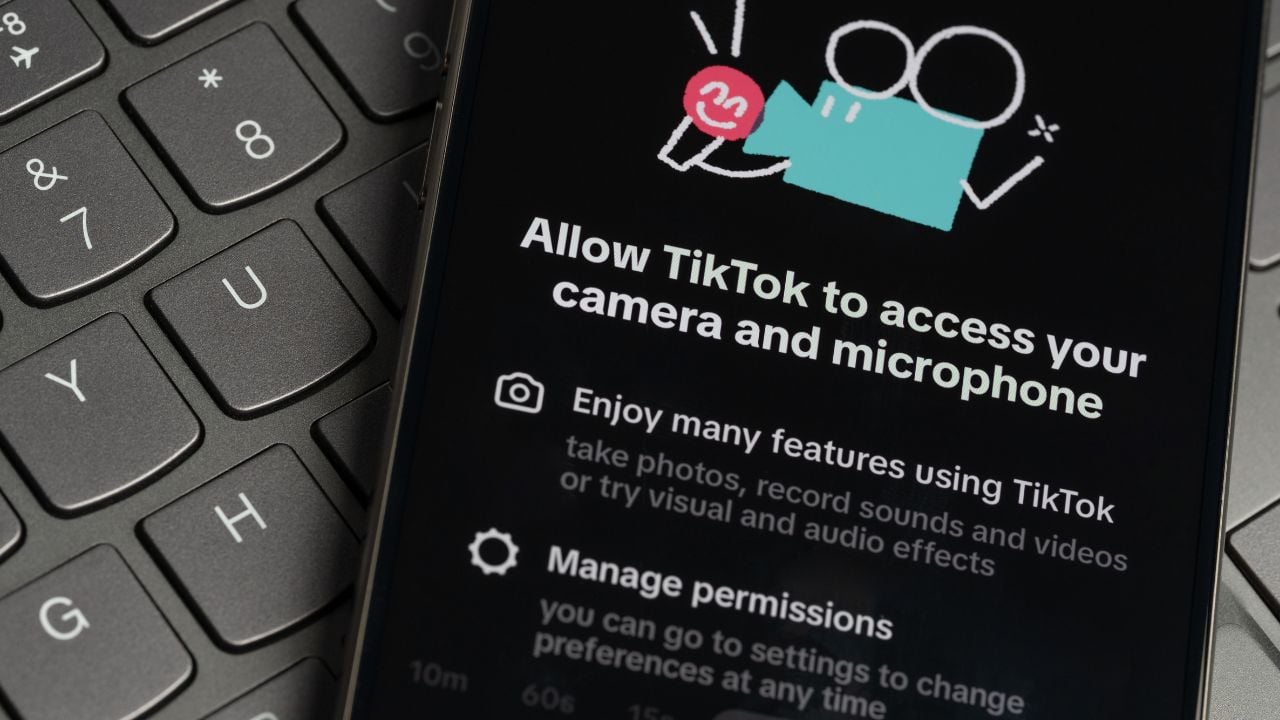
2. Camera and Microphone Access
Camera and microphone access is the other permission named in that same Arizona complaint.
Investigators allege the app reached a phone’s camera and microphone without telling the user, gathering data the company had no reason to need for selling phone cases and kitchen gadgets.
Nobody approved that.
Camera and microphone access raises the clearest flag on apps that have nothing to do with photos or calls, like a shopping app, a coupon app, or a flashlight.
A weather app or a game asking for microphone access raises the same red flag, since there’s no reason a temperature reading needs to hear the room.
Arizona’s case treats this as more than sloppy code, alleging Temu built the access in on purpose.
3. Contacts Paired With Text Messages
Contacts and text message permissions do the most damage when one malicious app has both at the same time.
A well-documented family of Android malware called Joker hides inside ordinary-looking apps.
Once installed, it uses stolen contacts and message access to sign a phone up for premium services without the owner’s knowledge.
The bill lands later.
Google has pulled dozens of Joker-infected apps from the Play Store over the years, and new copies keep slipping back in under new names.
The same contacts list turns a phone into a distribution point, forwarding scam links to everyone the owner knows.
Arizona’s attorney general has warned residents that fake texts try to get them to install an app.
That app is the same kind that reads a phone’s contacts and messages once it’s on the device.
4. Notification Access
Notification access is a permission that lets an app read every alert on a phone’s lock screen.
That includes the one-time codes a bank sends to confirm a login, the exact code two-factor authentication depends on staying private.
It isn’t private anymore.
Security researchers have documented Android banking trojans such as Alien, which abuses a phone’s notification-listener permission to read a two-factor code the moment it lands on the lock screen.
Once a trojan has the code and the login a phone’s autofill already saved, it can move money before the account holder notices anything wrong.
Arizona’s residents 60 and older filed 9,834 fraud complaints with the FBI in 2025, the fourth-most of any state, reporting close to $344 million in losses.
Android 15 blocks unapproved apps from reading sensitive one-time codes in notifications, but that protection only helps on phones that have already updated.
5. Accessibility Service
Accessibility Service is the most powerful permission a phone offers, built to help people who use screen readers or voice controls get around their phone.
Malware relies on it too.
Once an app has Accessibility Service turned on, it can see everything on the screen, tap buttons on the owner’s behalf, and even type.
Banking trojans known as TeaBot and SharkBot have both used this exact permission to overlay a fake bank login screen directly on top of a banking app.
The overlay catches a password the moment it’s typed, before the legitimate app ever sees it.
Arizona ranked in the top four nationally for cybercrime losses per resident in 2025, according to the FBI’s Internet Crime Complaint Center.
When in doubt, delete the app.
6. Photos and Media
Photo and media access is the permission that lets an app open a phone’s entire camera roll, not just the picture someone chooses to share.
Malware researchers identified a strain called SparkKitty that scans stored photos using text-recognition software, hunting for screenshots of cryptocurrency wallet recovery phrases.
That screenshot could cost you.
Arizona ranked sixth in the nation for cryptocurrency fraud complaints in 2025, and seventh for dollars lost, $346,269,314, according to the FBI’s Internet Crime Complaint Center.
SparkKitty spread through ordinary-looking apps on both the Apple App Store and Google Play.
One of them, a messaging app called SOEX, reached more than 10,000 downloads before Google pulled it from the Play Store.
A recovery phrase for a cryptocurrency wallet works like a spare key.
Anyone holding a photo of it can empty the account without ever needing a password.
Storing a password, an account number, or a wallet phrase as a plain photo turns a camera roll into a single point of failure.
7. Seeing Your Other Apps
Seeing which other apps are installed and how often they’re opened sounds harmless, but Arizona’s lawsuit against Temu treats it as one more way the app watched its users.
The complaint alleges Temu tracked what other apps a user had installed and how often those apps were opened, data a shopping app has no obvious reason to collect.
That’s different.
This permission goes by different names depending on the phone, usually “usage access” or “see other apps.”
That setting is separate from the basic app list already sitting in a phone’s settings menu.
An app with usage access can build a detailed picture of somebody’s habits: The banking app opened every morning, the dating app checked at night, the games the kids use.
Few shopping or utility apps need that view to sell someone a coffee maker.
The Three-Month Reset Nobody Mentions
Android takes some permissions back on its own, no request required.
Google’s Play Protect settings reset a permission like location, camera, or contacts for any app a phone hasn’t opened in about three months.
Google’s support page on Play Protect confirms that three-month window.
That reset only covers apps sitting unused, though.
An app that stays on the home screen and opens every week keeps whatever access it was given, with nobody checking back in.
8. Face or Fingerprint Unlock for Random Apps
Face or fingerprint unlock is a permission that feels safer than typing a password, which is exactly why so many apps now ask to use it.
Arizona has no law on the books requiring a company to get consent before capturing someone’s fingerprint or facial scan for a commercial purpose.
State lawmakers tried to change that with Senate Bill 1717.
The bill would have required businesses to inform people and get consent before collecting a biometric identifier, then destroy it within about a year.
It died in committee.
The bill stalled when the legislature adjourned in June 2026, leaving Arizona without the kind of biometric law states like Illinois have had for years.
A faceprint or fingerprint can’t be changed the way a stolen password can.
Once a company outside Arizona’s reach has a copy, a resident has little way to take it back.
Psst! How privacy-safe is your phone setup? Run through this checklist and see where you stand.
How to See What You’ve Already Granted
Both Android and iPhone keep a running record of which apps have used which permissions.
Many people never open it.
On an iPhone, the feature is called App Privacy Report, found under Settings, then Privacy & Security.
Turn it on, and it starts logging which apps accessed location, photos, camera, microphone, and contacts, along with the outside web addresses those apps contacted, going back seven days.
Android keeps a similar list under Settings, then Privacy, called the Permission Manager, sorted by permission type instead of by app.
Open Permission Manager, tap Location, and every app currently allowed to see it lines up in one list, ready to switch off with a tap.
An app that hasn’t been opened in months has no reason to still be sitting on that list.
9 Arizona Foods and Drinks Visitors Order Wrong Every Time

A burrito that fell into a deep fryer at Tucson’s El Charro Café in 1922 is supposed to have given Arizona the chimichanga.
Nearly every visitor orders a chimichanga by name, and almost none order it the way locals do.
