
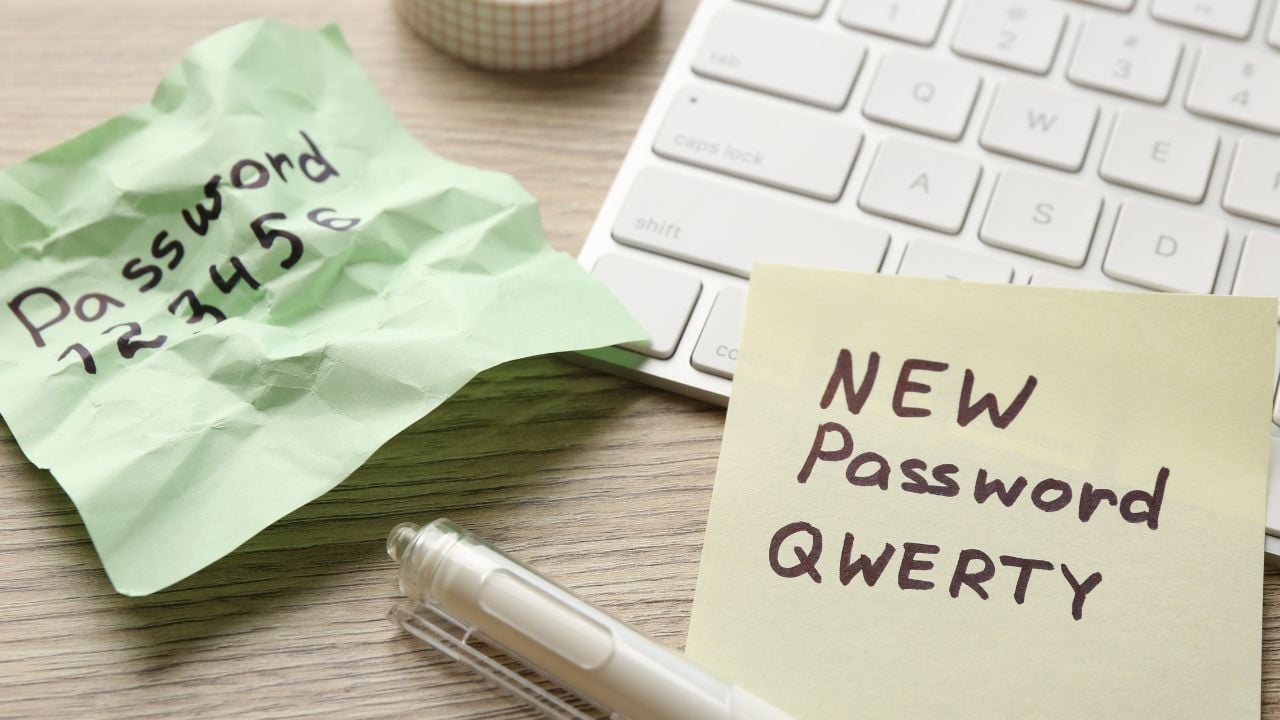
9 Account Recovery Settings Wisconsinites Should Fix Before They Need Them

You set up a Gmail account or an Apple ID once, but the account recovery settings buried underneath it rarely get a second look… until you loose access.
These are the account recovery settings Wisconsinites should fix before they need them.
1. The Recovery Phone Number
Google leans on one phone number to prove an account belongs to the person asking for it back.
Google’s support page specifies a mobile phone that gets text messages, belongs only to the account owner, and stays with them day to day.
It separately warns against using a Google Voice number in that slot.
A Voice number can lock an account out.
No second chances there.
Changes to the recovery number take up to seven days to fully apply.
That delay is built in on purpose, giving the owner a window to intervene if someone else tries to swap it out.
2. The Backup Email Address
The account’s backup email address covers the moments a phone can’t.
Google recommends an address the owner checks regularly but never the one used to sign in, since a hacked sign-in email can’t be trusted to verify the account.
Never the same inbox.
Two different inboxes, two different points of failure.
Microsoft runs a looser version of the same idea and lets an account holder list up to ten separate verification methods.
The backup address doesn’t even have to belong to the account holder.
Microsoft’s guidance only asks that the owner be able to reach it when a code arrives.
3. The One-Time Backup Codes
This account’s backup codes exist for the exact moment a phone and a backup email are both out of reach.
A generated set holds ten eight-digit codes, and each one works exactly once before it goes dead.
One code, one use.
Printing a fresh set wipes out every code from the last one.
Google’s guidance is to store the current set somewhere durable, the same place a passport or a birth certificate would sit.
A screenshot on the very phone that might get lost defeats the purpose.
Psst! How recovery-ready is your digital life? Check off what’s already set up and see where you stand.
4. An Authenticator App Instead of Texts
A text-message code and an authenticator-app code look the same on screen, but the two protect an account very differently.
The Federal Trade Commission ranks text codes as the weakest of the common options, since a stolen or swapped phone number redirects them to whoever controls it.
An app-generated code stays put.
Apps such as Google Authenticator and Microsoft Authenticator generate that code directly on the device itself, so a stolen phone number never reaches it.
Microsoft has confirmed it is phasing text messages out of its account recovery options.
5. A Passkey Tied to the Device
The account’s passkey skips the password step altogether.
Microsoft describes a passkey as a sign-in method proven with a fingerprint, a face scan, or a device passcode.
It’s verified locally on the phone or laptop rather than typed and sent anywhere a thief could catch it.
Nothing to steal in transit.
Google, Apple, and Microsoft all support passkeys on their major accounts now.
Setting one up takes a few taps inside each company’s security settings menu, no new hardware required.
6. An Apple Account Recovery Contact
Apple built an account recovery option that leans on someone else’s phone to help unlock a locked Apple ID.
Apple’s support page explains that a chosen recovery contact receives a six-digit code on request and passes it along.
Up to five people can hold that role on one account.
A code, nothing more.
Apple is explicit that a recovery contact never gains access to the account itself, only the ability to hand over that one code.
The role can go to someone trusted without handing them anything to misuse.
7. An Apple Legacy Contact
A Legacy Contact solves a different problem than a recovery contact does.
Apple built this role for after a death.
It hands the chosen person photos, messages, notes, files, and device backups once they present an access key and a death certificate.
Set up once, used once.
Apple keeps the two roles from overlapping.
A Legacy Contact still can’t reach purchased media, subscriptions, saved payment information, or anything stored in iCloud Keychain, including passwords and passkeys.
What an Apple Legacy Contact Still Can’t Reach
An Apple Legacy Contact walks away with plenty, but the account’s financial fingerprint stays sealed.
Purchased apps, movies, and music never transfer, and neither do active subscriptions billed through the account.
Saved payment cards stay hidden too.
Everything sitting inside iCloud Keychain, passwords and passkeys included, is locked out of the transfer completely.
A Legacy Contact settling an estate still needs those credentials from another source.
8. Microsoft’s Extra Sign-In Methods
Microsoft spreads recovery risk across more options than the typical account ever fills.
The security info page holds room for up to ten verification methods at once.
It mixes phone numbers, alternate email addresses, an authenticator app, and passkeys in whatever combination the account holder picks.
Ten slots, rarely filled.
Microsoft’s guidance stresses keeping every phone number and email on that list current.
A work or school account can lock someone out completely once the contact details on file stop working.
9. The List of Signed-In Devices
Every phone, laptop, and tablet that has ever signed into an account stays listed there indefinitely, whether it’s still around or not.
Nothing removes itself automatically.
Google’s support page walks through checking that list for devices, locations, or activity timestamps that don’t look familiar.
An old phone still counts as a way in.
Google’s guidance is to sign out any device that’s lost, sold, or simply forgotten about.
That closes a door that’s been left open long after the phone itself left the house.
None of these nine settings take more than a few minutes apiece, and every one of them lives inside a menu that already exists.
The only cost is doing it now.
Otherwise a lost phone or a canceled number turns a quick fix into the kind of support ticket that takes days to untangle.
8 Habits That Give Wisconsinites Away the Second They Leave the State
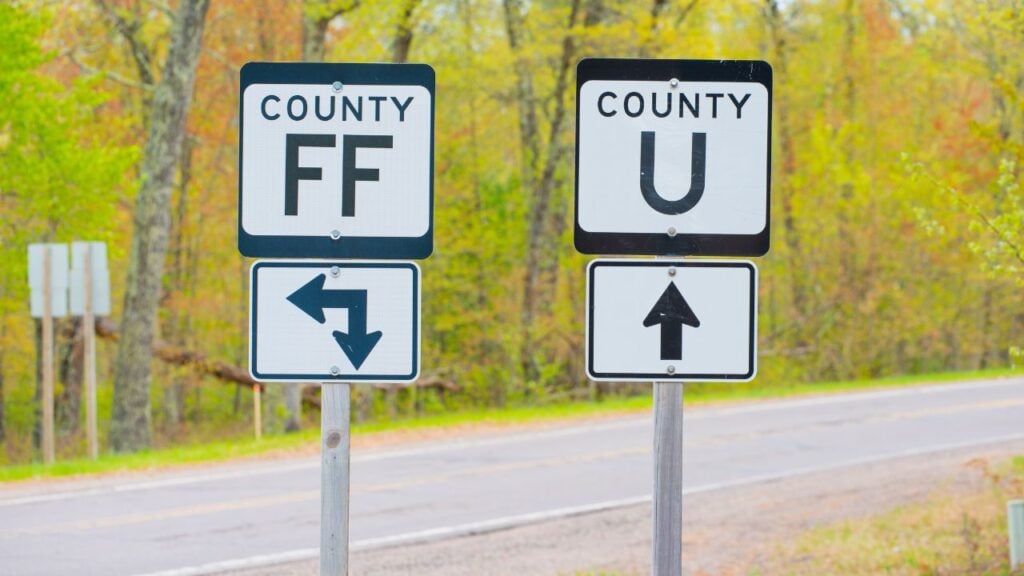
A Wisconsin accent doesn’t always give someone away first.
Sometimes it’s an order at a restaurant counter or a reaction to a stranger’s small talk that gives it away instead, long before anyone asks where home is.
8 Habits That Give Wisconsinites Away the Second They Leave the State
9 Wisconsin Supper Club Rules Outsiders Break Without Knowing

A Wisconsin supper club runs on customs a first-time visitor won’t find printed on the menu.
The order of courses, the relish tray, and the unspoken rules around the bar all carry expectations regulars never think to explain.
9 Wisconsin Supper Club Rules Outsiders Break Without Knowing
