
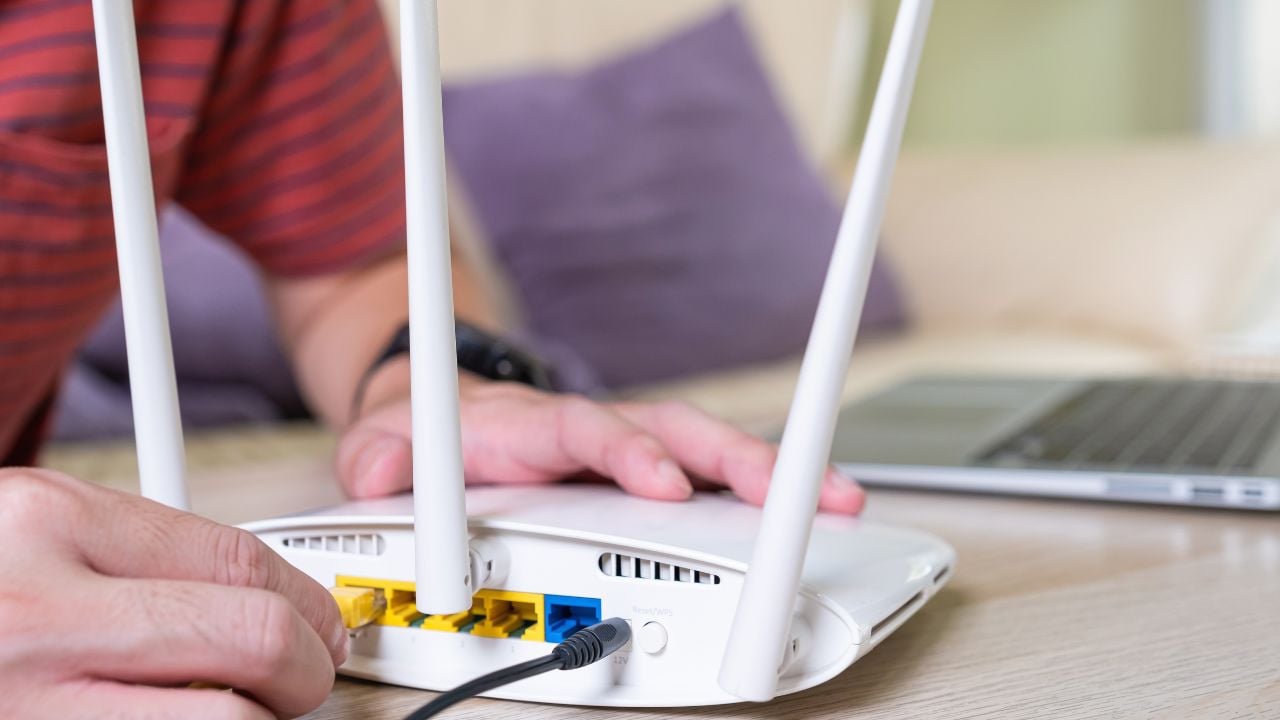
9 Router Settings That Leave an Illinois Home Exposed

The FBI’s Internet Crime Complaint Center says Illinois residents reported more than $535 million in cyber crime losses in 2025, the fifth-highest complaint count of any state in the country.
Some of it starts at home.
These are the router settings that leave an Illinois home exposed.
1. Default Admin Login
Your router’s admin login is the one password many homes forget the moment setup finishes.
It often ships as admin and password, sometimes printed on a sticker stuck to the router.
Every setting changes at once for whoever finds that combination, including the Wi-Fi password guests use every day.
The Federal Trade Commission’s guide to securing connected devices treats that default login as public information anyone can look up by the router’s brand.
It tells homeowners to swap the credentials for something with nothing to do with a name, an address, or the brand printed on the box.
It’s not hard to find.
2. WPS Still On
Wi-Fi Protected Setup (WPS) promises a shortcut onto a router’s Wi-Fi.
Push a button, or type an eight-digit personal identification number (PIN) instead of the password.
That shortcut has a flaw built into how the router checks the PIN.
The CERT Coordination Center (CERT), a federally backed cybersecurity research group at Carnegie Mellon, found a flawed design.
It leaks whether the first half of the PIN is correct before an attacker has to guess the second half.
That flaw cuts a brute-force attack from about 100 million guesses down to roughly 11,000 guesses.
That’s hours, not years.
CERT listed Netgear, Linksys, Belkin, and D-Link among the routers affected at the time.
The Cybersecurity and Infrastructure Security Agency still lists WPS among the settings it tells homeowners to switch off.
Off means off.
3. Remote Administration Access
Remote administration lets someone log into a router’s control panel from outside the house, over the open internet, not just from a laptop already connected to the Wi-Fi.
Many homes never asked for that feature and never turn it off either.
The router leaves one extra door standing wide open.
The Federal Bureau of Investigation (FBI) has traced a malware strain called TheMoon to routers with remote administration switched on.
The malware uses those routers to run anonymous proxy traffic for other people’s crimes, without the homeowner noticing a thing.
That $535 million figure rose from $479 million the year before.
It only counts the complaints that got filed with the bureau, not every incident that happens.
A router that answers login attempts from anywhere in the world is exactly the kind of opening that number counts.
The FBI’s fix is one setting: Switch off remote administration, save the change, and reboot the router.
4. UPnP Still On
Universal Plug and Play, or UPnP, lets a smart TV, a game console, or a printer find its way onto a router’s network without anyone typing a setting by hand.
That same convenience makes it just as easy for malware to get in.
The Cybersecurity and Infrastructure Security Agency (CISA) warns that the same feature lets malware spread to devices on the network.
It can also let malware control those devices remotely, all without asking the router for permission first.
The devices get no prompt beforehand and no warning after.
CISA’s advice is to leave UPnP on only long enough to add a new device, then switch it back off.
5. Unchecked DNS Settings
The Domain Name System (DNS) is the settings field that tells every device on a network which server translates a website’s name into the address computers use.
Almost nobody ever looks at it.
Microsoft’s threat intelligence team traced a Russian military intelligence group to more than 5,000 routers in homes and small offices since August 2025.
The group switched each router over to DNS servers it controlled, without alerting anyone in the house.
Every device behind a hijacked router can then reroute through a server the owner never picked, without a single pop-up to say so.
Nothing looks different.
Checking the DNS field against what an internet provider issued, right inside the router’s settings page, catches the switch before anything downstream does.
Psst! How secure is your home network? Run through this checklist and see where you stand.
6. Outdated Wi-Fi Encryption
A router’s encryption setting decides whether the data flying between a laptop and the Wi-Fi can be read by anyone else nearby.
Wi-Fi encryption comes in a handful of standards: Wired Equivalent Privacy (WEP), Wi-Fi Protected Access (WPA), WPA2, and WPA3, each newer than the last.
Two options still count as safe: WPA3 Personal and WPA2 paired with the Advanced Encryption Standard (AES).
Everything older doesn’t.
The Cybersecurity and Infrastructure Security Agency lists WEP and WPA, along with the Temporal Key Integrity Protocol (TKIP) version of WPA2, as outdated encryption a threat actor can crack from outside the house.
CISA tells anyone stuck with only those options to ask their internet provider for an upgrade, or buy a new router.
A router bought within the last few years almost always offers the safer choice already.
It just isn’t switched to it by default.
Two Different Versions of WPA2
A router’s WPA2 setting covers two different modes, and only one of them still holds up.
WPA2 paired with AES is the strong option. A router’s menu sometimes labels that same setting CCMP (a related technical label for the same coding method) instead.
WPA2 paired with TKIP is the older mode built for hardware from the 2000s, and it carries weaknesses that were never fixed.
A router’s Wi-Fi security screen sometimes lists both together as one choice labeled WPA2/WPA3 Mixed, so the fix is confirming AES or CCMP is the version selected, not just the letters WPA2.
7. Skipped Firmware Updates
A router’s firmware is the software that runs it, and many routers hide a single setting that turns automatic updates on or off.
Switching that setting on lets the router install a security patch the moment the manufacturer ships one, without anyone remembering to check by hand.
A lot of routers never get a second look after the day they’re plugged in, which is exactly what that setting is built to fix.
The Federal Bureau of Investigation has flagged routers dated 2010 or earlier as devices manufacturers have stopped patching altogether.
Malware hijacks that kind of router to hide other people’s crimes.
No patch will ever reach that kind of router again.
A separate flaw made the same point in 2026, when researchers found a command-injection bug in D-Link’s legacy digital subscriber line (DSL) gateway and router line.
The bug let an attacker rewrite a router’s DNS settings, the same address-lookup settings covered above, without logging in at all.
D-Link’s advisory confirms attackers were already exploiting the flaw before the company disclosed it.
That same advisory says no patch exists or is planned for the affected models, which are past their end of life.
The fix is retiring the device, not patching it.
8. No Separate Guest Network
A router’s guest network splits visitor traffic, and often a smart plug or a video doorbell, away from the laptops and phones a household uses for banking and email.
Many routers already include the option.
A lot of homes just never turn it on.
The split works like a wall between the two networks.
The Federal Trade Commission recommends the split in its guest network guidance, for two reasons.
Fewer people ever learn the main Wi-Fi password.
A guest’s phone carrying malware it doesn’t even know about can’t reach the rest of the house.
A smart camera or thermostat sitting on that same guest network stays online without ever seeing a family’s shared drive or a laptop’s open files.
9. Default Network Name
A router’s network name almost always ships as the brand followed by a string of numbers, visible to every device within range whether it connects or not.
That name gives away more than it looks like.
CISA’s guidance warns that a default name identifying the exact router model can point a stranger straight at known vulnerabilities already documented for that model.
That leaves less for a stranger to work with.
A replacement name works best when it skips anything that identifies the household, too.
A name like “Smith Family WiFi” or an apartment number hands a stranger almost as much as the factory name did.
Some routers carry a separate setting that stops the network name from broadcasting at all.
A phone or laptop only finds it once someone types the name in by hand.
9 Chicago Alley Rules That Illinois Residents and Dumpster Divers Get Wrong
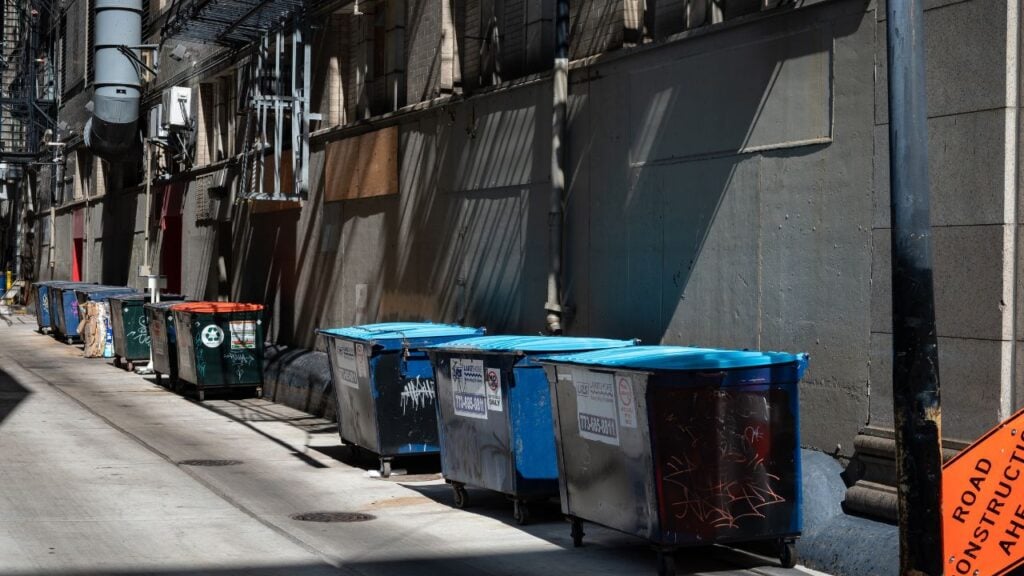
Chicago has a fine on the books that can run into the hundreds of dollars over something a lot of city residents do without thinking twice in their alley.
The ordinance sits alongside a handful of other Illinois alley rules that trip up dumpster divers and homeowners alike, many of them never explained anywhere obvious.
9 Chicago Alley Rules That Illinois Residents and Dumpster Divers Get Wrong
5 School Zone Mistakes That Cost Illinois Drivers a Ticket

A crossing guard steps into the street outside an Illinois elementary school and raises a stop paddle overhead, and two cars back, a driver checks a phone and misses it.
That’s one of several school zone habits that cost Illinois drivers a ticket every fall once classes are back in session.
